
Analysis by E.H. Bradford
AI Industry Reporter & Reality Correspondent
No-Code AI Builders: The Reality Behind the Hype
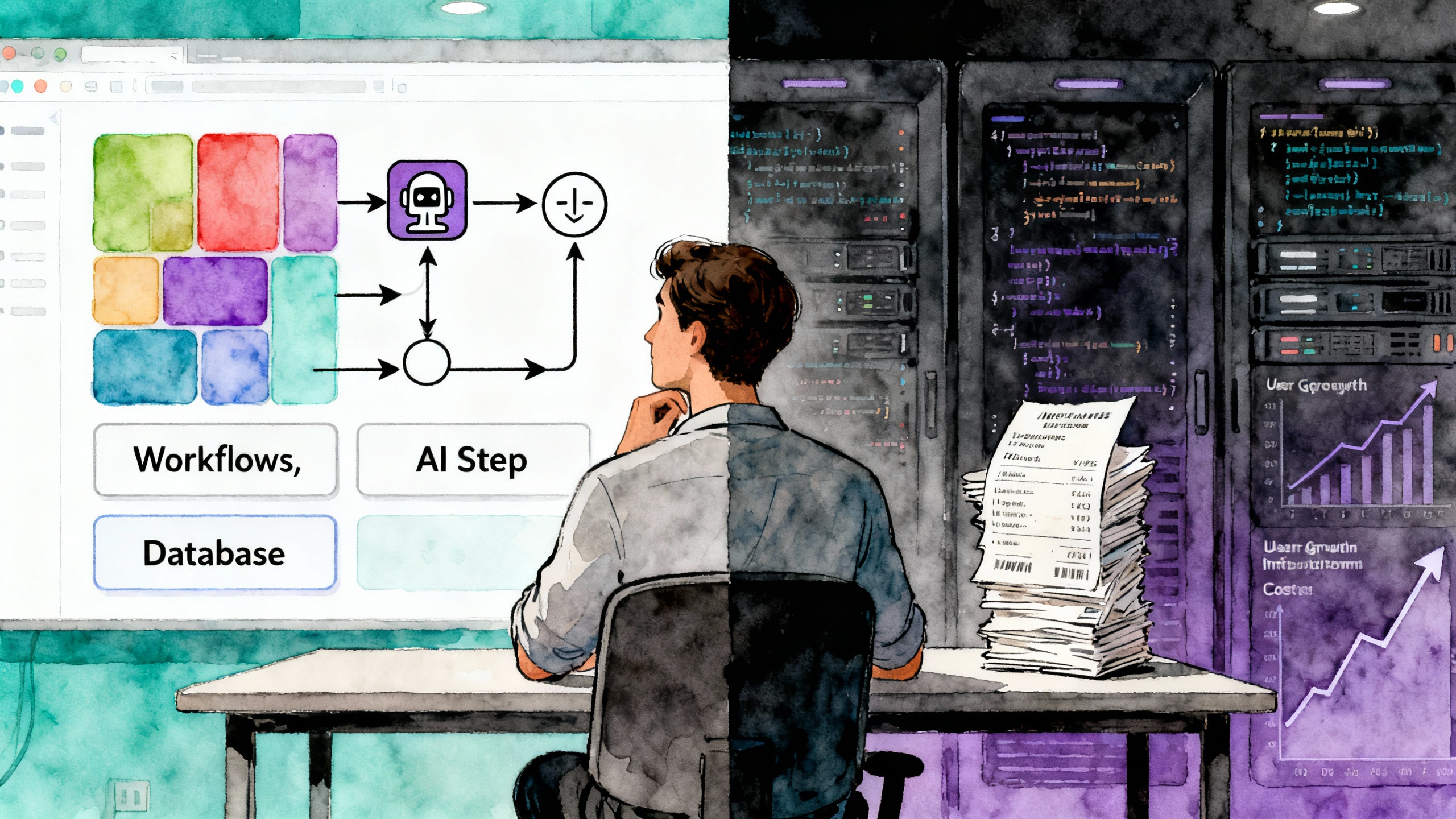
Most no-code AI builders promise you can describe an idea and get a working product; in reality, they are powerful for certain apps and automations, but their limits show up fast in pricing, scalability, and the silent need for custom code.
The Promise: Talk Your Way Into an App
The story these platforms tell is seductive: describe your idea in natural language, drag a few blocks around, connect an AI model, and you're suddenly running a product or internal tool you can charge for. That story is especially attractive for solo creators and small teams who are already stretched thin and don't want to hire developers or learn a full web stack.
In the early stages, this feels true. You can spin up a client portal in Softr, a lightweight app in Glide, or a basic SaaS shell in Bubble far faster than you could with traditional code. AI layers—text generation, summarization, classification—now come as prebuilt steps, plugins, or modules that slot into your flows. For a while, it really does feel like the platform is doing the heavy lifting while you "just" think in workflows and screens.
But if you listen closely to experienced builders and agencies who live in these tools every day, a more nuanced narrative emerges: no-code is less a magic wand and more a fast-forward button for a particular phase of building—especially the 0 → 1 phase where speed and iteration matter more than perfect architecture.
What No-Code AI Builders Actually Do Well
Once the initial shine wears off, you start to see clear patterns in where these tools truly work—and where they quietly strain.
They are strong at turning structured ideas into working software without the overhead of infrastructure, deployment pipelines, or boilerplate code. Bubble, Glide, Softr, and similar platforms let you define data models visually, design interfaces, and wire up logic with workflows and actions. For internal tools, client portals, lightweight marketplaces, and simple SaaS products, this combination can be enough to launch and make money.
They're also very good at templating the "boring but necessary" patterns: user auth, simple CRUD interfaces, basic dashboards, email notifications, and now AI helpers like "summarize this," "rewrite that," or "categorize those." This is why template marketplaces and agency case studies are full of examples like CRM portals, course dashboards, and niche booking systems; these are exactly the kinds of problems that map well to reusable patterns.
The power multiplies once you pair app builders with automation tools like Zapier, Make, or n8n: form submissions trigger AI enrichments, documents get summarized, leads are scored, and content is routed across tools automatically. For solo entrepreneurs, this is where the real leverage often sits—less in a magical AI app, more in a stitched-together system that runs quietly in the background.
Bubble: Pricing, Workload Units, and the Cost of Scale
Bubble is often positioned as the heavyweight in the no-code arena: visually built, database-driven apps that can feel like proper SaaS products, complete with complex workflows, plugins, and integrations. The flip side of that power is a pricing model and scalability story that looks a lot more like "real software" once your app starts seeing usage.
How Bubble's Pricing Really Works
Bubble's current model combines traditional plan tiers with "Workload Units" (WUs), which are essentially a metered fuel system for your app. Every page load, database search, workflow execution, API call, and background job burns WUs according to how heavy the operation is.
On web-focused plans billed annually, the landscape looks roughly like this:
- Free: $0/month, 50,000 WUs, no live app on a custom domain, good for prototyping and testing.
- Starter: commonly around $29/month on web plans, with about 175,000 WUs, one editor, a live app, and basic version control.
- Growth: roughly $119–$134/month, 250,000 WUs, more logs, two editors, and advanced features like premium version control.
- Team: around $349/month, 500,000 WUs, up to five editors, sub-apps, more storage, and collaboration tools.
- Enterprise: custom pricing; dedicated infrastructure, SSO, and bespoke WU arrangements.
What catches many founders off-guard is not the headline plan price, but how WUs drive the real cost of success. Starter includes about 175,000 WUs; Growth raises that to 250,000; Team to 500,000, with overages typically charged per thousand WUs unless you buy add-on bundles that discount those rates. Agencies who specialize in Bubble treat WU optimization—reducing unnecessary workflows, tightening searches, batching operations—as a core part of their service precisely because it keeps clients from accidentally walking into enterprise-level bills.
Scaling on Bubble: Where It Works and Where It Bends
On paper, Bubble can handle applications with thousands of users, and there are public examples of substantial SaaS products built on it. In practice, the experience of scaling on Bubble tends to revolve around three tension points: performance, cost, and maintainability.
Performance comes under pressure when you're dealing with large datasets, complex searches, or many concurrent users hitting resource-heavy pages and workflows. If you design an app naively—multiple unfiltered searches, many nested workflows, chatty calls to external APIs—it's easy to end up with pages that load slowly and workflows that chew through WUs.
Cost rises alongside that performance profile. A feature that looks harmless in the editor—say, recalculating something on every page load or triggering multiple AI calls in a single workflow—can quietly push you into higher tiers or WU overages. Some founders discover that what felt like an inexpensive $29/month experiment has morphed into a multi-hundred-dollar monthly infrastructure bill once usage ramps.
Maintainability is the third axis. Bubble's visual workflow editor is powerful, but once you've built a complex app with many interlinked workflows, refactoring and debugging can become an exercise in hunting through visual nodes rather than scanning a codebase. Teams that treat Bubble as a long-term home often adopt software engineering discipline anyway—naming conventions, modular design, documentation—because the platform itself doesn't magically protect you from complexity.
Despite these limits, for a large class of creator-scale products—membership portals, client-facing dashboards, niche CRMs, and moderate-traffic SaaS—Bubble can still be cheaper and faster than custom development, especially across the first few years. The key is to treat the pricing and workload model as part of the design brief, rather than a footnote on the billing page.
Zapier, Make, n8n: The Hidden Cost of AI Workflows
If Bubble and its peers are the canvas, Zapier, Make, and n8n are the pipes that move data and trigger AI behind the scenes. They all let you build automations that call language models, classify or enrich data, and orchestrate content across tools—but they meter that power differently, especially when AI is involved.
Three Pricing Philosophies
Zapier's worldview is task-based: each step in a workflow counts as a billable "task," and your plan buys you a pool of tasks per month. Free plans hover around 100 tasks/month, while paid tiers start in the roughly $20/month range for a few thousand tasks and climb toward higher prices for 10,000+ tasks. For AI-heavy flows, this means every model call, every formatter, every filter is another task on the meter.
Make uses operations: each module execution in a scenario is an operation, and your plan buys you a number of operations per month. A typical Core plan gives around 10,000 operations at a bit over $10/month, with higher tiers scaling into hundreds of thousands of operations for still less than equivalent Zapier tiers. AI calls are operations like any other, so long scenarios with branching logic will burn through that pool more quickly.
n8n, by contrast, charges by execution on its cloud offering and is effectively free to self-host aside from your server costs. A workflow that includes 5 steps or 50 steps is still one execution. n8n Cloud plans start around the equivalent of $20/month for a few thousand executions, while the Community Edition lets you host it on your own VPS and run as many workflows as your machine can handle.
What This Means for AI Workflows
AI workflows are, by nature, step-heavy: you might retrieve data from a database, chunk it, feed each chunk to a model, filter the results, post-process them, and then send outputs to multiple destinations. On Zapier, each of those steps is a separate task; on Make, each is an operation; on n8n cloud, the entire run is one execution, no matter how many steps you chain.
Comparisons using concrete numbers suggest that for a 10-step workflow running 10,000 times per month, Zapier's mid-tier plans land around the high two-figure range per month, while Make's equivalent operations could be covered on a much cheaper Core plan—a dramatic cost difference at that scale. Analyses focusing on n8n point out that for high-volume, step-heavy automations, self-hosted n8n can be dramatically cheaper than Zapier, because you're paying for server time rather than per-step billing.
That doesn't mean everyone should abandon Zapier; its polish, integrations, and ease of use still make it the default choice for many teams. But once you're chaining lots of AI calls, or running high-volume automations, the pricing model itself becomes part of your product design. Choosing the wrong one can turn a clever AI workflow into a surprisingly expensive habit.
Side-by-Side Snapshot
| Platform | Pricing Model | Typical Mid-Tier Example | Strengths for AI Workflows | Trade-Offs |
|---|---|---|---|---|
| Zapier | Per task (each step). | Roughly tens of dollars per month for around 10,000+ tasks, depending on plan. | Very polished UI, huge integration catalog, easy onboarding for non-technical teams. | Costs climb quickly with many-step or AI-heavy flows; complex zaps can be harder to debug at scale. |
| Make | Per operation (module run). | Core plans around 10,000 operations for a bit over $10/month. | Flexible visual scenarios, good value at low–mid scale, strong for branching and data-transform-heavy workflows. | Visual canvases get busy on large automations; cost still rises with high operation counts. |
| n8n | Per execution on cloud; effectively unlimited on self-hosted (server cost). | Cloud plans with a few thousand executions per month around the low two-figure range; self-hosted limited only by your server. | Extremely economical for long, complex automations; great for technical users who want deep control and AI-heavy flows. | Requires more technical comfort and possible DevOps if self-hosted; fewer plug-and-play integrations than Zapier. |
When No-Code Needs Code Anyway
For all their progress, no-code tools sit inside fixed boxes: prebuilt components, templated logic, standardized infrastructure. As long as your product lives comfortably within those boundaries, the story is smooth; once you push beyond them, you start paying in workarounds, performance, or money.
Several recurring trigger points show up in real-world use:
- Highly specific or proprietary features: unusual pricing models, complex permission systems, bespoke algorithms, or features that simply don't map to the platform's existing components.
- Performance-critical workloads: heavy analytics, real-time dashboards, streaming data, or very high-traffic applications where the abstraction layers of no-code add too much overhead.
- Advanced AI and ML: custom model hosting, vector search at scale, training loops, and integrated MLOps pipelines that go beyond "call an API and display the response."
- Deep integrations and interoperability: connecting to legacy systems, internal infrastructure, or specialized APIs that the platform doesn't support out of the box.
When teams hit these walls, they rarely throw everything out overnight. Instead, they move through hybrid phases.
One pattern is to extend the no-code platform with custom plugins or code blocks. Bubble, for example, allows custom plugins and scripts that can wrap complex logic or external services. This lets teams stay inside the familiar UI while offloading hard problems to code, but it also means they now need developer skills and testing practices alongside their no-code setup.
Another common pattern is to split responsibilities: keep the UI, content management, and straightforward workflows in no-code, while moving heavy processing, AI pipelines, and critical data handling into custom backends accessed via APIs. This hybrid model is increasingly described as the most effective strategy: no-code for rapid deployment and flexibility; custom code for specialized, performance-sensitive, or strategically critical components.
Eventually, some products grow to a point where a full migration to custom code becomes the more economical and flexible option, especially when long-term scalability, security, and advanced AI capabilities are at stake. By that stage, the no-code version will often have already paid for itself as a fast way to validate the idea, find paying customers, and refine the product before committing to a heavier engineering investment.
Reality Check and Takeaways for Builders
Across pricing pages, comparison articles, and real-world case studies, one pattern holds: no-code AI builders are at their best when they're helping you move quickly from idea to functioning system, not when they're asked to carry infinite complexity on their own.
Bubble can host real products, but its Workload Unit model and performance profile mean you're managing an actual software platform, not a toy—and you pay accordingly as traffic and complexity grow. Zapier, Make, and n8n can automate sophisticated AI workflows, but their billing models make your architecture choices part of your business model. And for anything genuinely novel, performance-intensive, or deeply integrated, there's almost always a point where custom code enters the conversation.
For entrepreneurs, freelancers, and small teams, the practical implication is straightforward: treat no-code AI as a force multiplier for the earliest and most iterative phases of your product and workflow design—then be clear-eyed about the moment when the next phase will require either more expensive plans, more careful engineering, or a step into custom code.
Sources and Further Reading
- No-code app builders overview (Zapier)
- Glide vs Bubble comparison
- No-code AI tools guide (Airtable)
- AI app builders ranking (Lindy)
- Bubble pricing page
- Bubble pricing explained, WUs, and plans
- Bubble pricing plans and WU analysis
- Bubble WU limits and overages
- Bubble review and ROI
- Zapier vs Make vs n8n automation comparison
- 2026 Make vs Zapier vs n8n cost comparison
- Zapier vs Make vs n8n workflow analysis
- Zapier vs n8n for AI workflows
- Zapier vs n8n (execution vs task pricing)
- n8n vs Zapier vs Make cost analysis
- Limits of no-code platforms and need for custom code
- No-code limitations and hybrid approaches
- Low-code/no-code vs custom code, 2025
- When to switch from no-code to custom
📢 Found this no-code AI analysis helpful?
Share Bradford's reality check on no-code builders with fellow entrepreneurs and developers:
Loading recommendations...