
Analysis by E.H. Bradford
AI Industry Reporter & Reality Correspondent
Stop Automating Chaos
Zapier vs. n8n, hidden traps, and why most "smart" automations quietly fail small teams
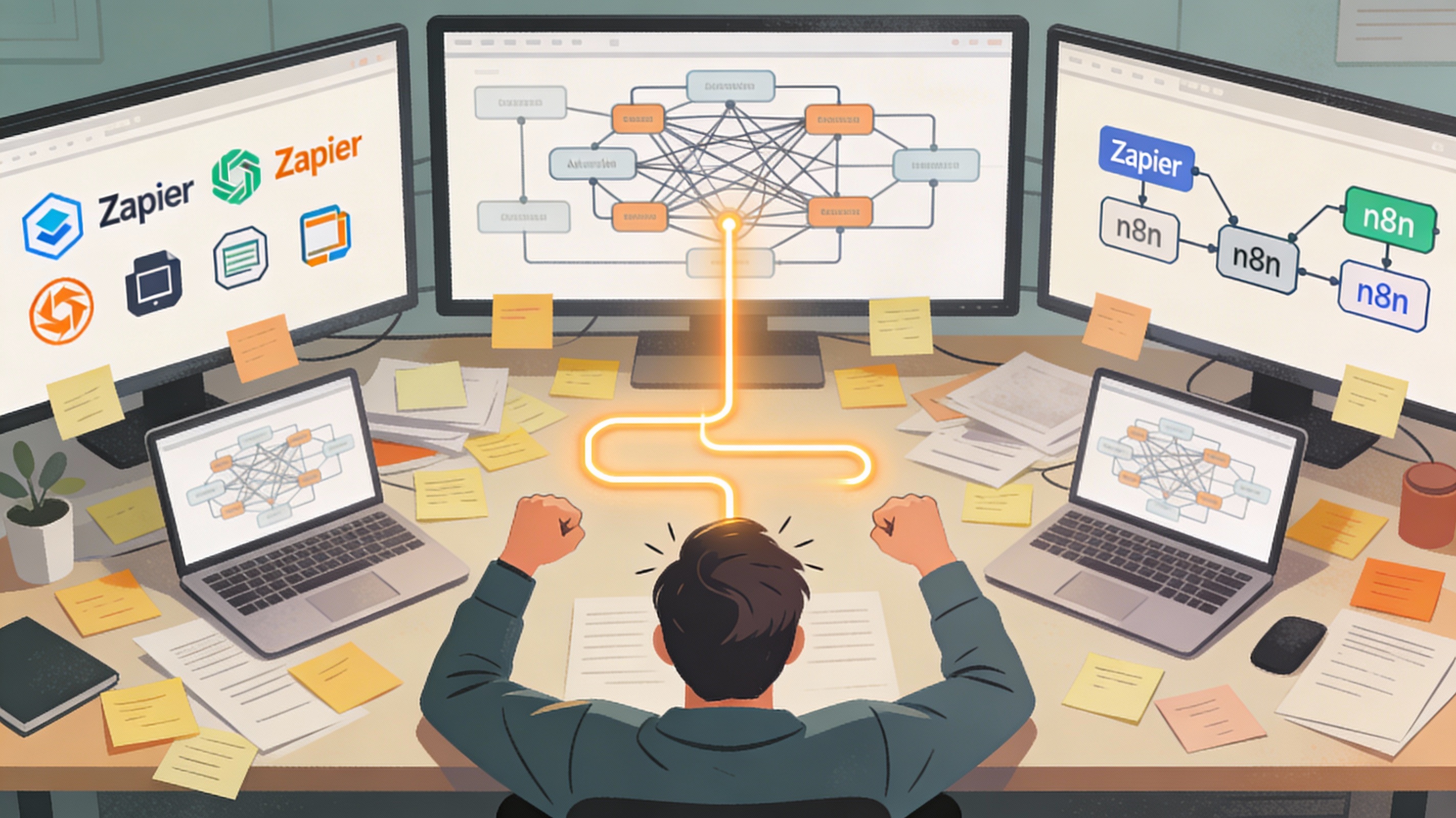
The pitch is always the same: plug in a tool, flip a few switches, and your small team suddenly runs like a Fortune 500 operation. The reality inside most small businesses is very different: half‑finished zaps, broken n8n flows, and a founder who now spends Sunday nights debugging automation instead of resting.
Simply buying a tool is not a strategy. (say it louder for the ones in the back!) 🙄
For small teams, workflow automation is not a silver bullet—it's an amplifier. It multiplies whatever you already have: clean processes become smoother, messy processes become chaos at machine speed.
That's the part the glossy screenshots never show you—and the part most time‑poor founders only discover after they've already wired their business into a brittle web of "clever" workflows.
When automation actually feels unfair
When automation works, it feels like cheating in your own business—in the best way.
A six‑person agency wired their lead capture, onboarding, and reporting into n8n and clawed back more than 20 hours a week without hiring a single person. The team didn't suddenly get more disciplined; they just stopped wasting brainpower on work a robot could do while they slept.
Their rules were simple:
- Only automate what directly touches money or delivery: new leads, new clients, reporting that clients actually see.
- Run just a handful of workflows, but run them clean—no experimental Rube Goldberg machines until the basics are rock‑solid.
For small teams, that's the real lesson: if an automation isn't protecting revenue, saving real hours, or preventing dropped balls, it's probably just expensive theater.
The quiet ways automation backfires
Most automation failures don't happen because the tools are useless. They fail because of the way small businesses deploy them under pressure.
1. Automating a broken process
"Automating chaos" is the cardinal sin: you take a bloated approval chain or a messy data entry process and make it run faster… in the wrong direction. Suddenly, tiny manual errors that used to get caught by a human spread through invoices, inventory, or reporting in seconds instead of days.
For a three‑person team, that can mean one bad configuration wrecks an entire week's worth of work.
2. Picking tools by hype instead of fit
Many small businesses pick their platform based on price, a friend's recommendation, or a flashy YouTube demo rather than actual team capacity. They end up with tools that either demand skills nobody has, or that can't grow with them and have to be ripped out just when things start working.
The hidden cost isn't just subscription fees—it's the cognitive overhead of living inside a system everyone quietly mistrusts.
3. Automating the wrong things first
It's intoxicating to build "cool" automations—perfect dashboards, color‑coded reports, intricate sequences—while the unsexy work (follow‑ups, lead routing, invoice reminders) stays manual. You burn your limited experimentation time on low‑impact flows while the real money leaks continue unchecked.
For survival‑mode businesses, this is lethal: you spend your best creative hours polishing background tasks instead of front‑stage revenue work.
4. Over‑engineering the first wave
Complex workflows look brilliant on a canvas and miserable on a bad day. Branches, loops, retries—implemented all at once—create flows that only the original builder understands. When that person is busy or leaves, everyone else stops trusting the system.
The result: people override automations "just this once," and within a quarter, the entire system is half‑manual, half‑ghost, and fully confusing.
Zapier vs. n8n: the fork in the road for small teams
Zapier and n8n promise the same headline: connect your tools, kill repetitive work. Under the hood, they're built for very different kinds of teams.
Zapier: convenience and speed
Zapier is what you reach for when you want something working this afternoon, not in six sprints. It's a cloud‑based platform with thousands of prebuilt integrations and a no‑code interface that non‑technical folks actually enjoy using.
Marketing and ops teams love it because they can spin up workflows—form → CRM → Slack → email—without ever touching an API doc. It's "glue for your SaaS stack," optimized for fast wins, not intricate control.
But speed comes with trade‑offs. Complex logic—branching, looping, advanced retries—starts to feel like pushing against the edges of a box that was never meant to stretch that far. And as your workflows multiply, Zapier's task‑based pricing can creep up fast.
So if your team is mostly non‑technical and drowning in repetitive SaaS work, Zapier is often the least painful way to get real hours back—provided you keep your automations intentionally simple.
n8n: control and depth
n8n is what you reach for when you care as much about infrastructure and flexibility as you do about automation itself. It's open‑source, self‑hostable, and unapologetically built for developers and power users.
Instead of being limited to predefined actions, you get full API control through HTTP nodes, native branching and looping, granular error handling, and the ability to wire in AI tools, databases, and internal systems like it's part of your own stack.
In return, you take on the responsibility: servers, updates, monitoring, security. For teams that treat automation as core infrastructure, that trade‑off makes sense. For a tiny team without technical depth, it can quietly become a second business to run.
Zapier vs. n8n for small teams: who should pick what?
For small teams, the choice is less "which tool is better?" and more "which pain do you want to own?"
| Question | Zapier | n8n |
|---|---|---|
| Who builds the workflows? | Non‑technical team members using a friendly no‑code UI and templates. | Technical users comfortable with APIs, logic, and sometimes code. |
| Integration reach | Thousands of prebuilt SaaS connectors; "if you name it, it's probably there." | Smaller set of ready‑made nodes, but full API control for anything with an endpoint. |
| Workflow complexity sweet spot | Linear flows and basic logic—perfect for everyday automations. | Complex, branching, multi‑step orchestrations with loops and robust error handling. |
| Hosting and control | Fully managed cloud, no servers to maintain. | Self‑hosted or cloud with deep infrastructure and data control. |
| AI and advanced use cases | Drop‑in AI steps for simple "prompt in, content out" use cases. | AI‑native orchestration with agents, chains, and custom logic. |
| Cost dynamics over time | Predictable plans at low volume, but rising task volume can get pricey. | Execution‑based and open‑source options, but you pay in engineering and maintenance. |
| Ideal small‑team profile | Time‑poor, non‑technical teams that need quick, low‑friction wins. | Teams with at least one technical owner who can treat automation like a product. |
The most common failure pattern? A non‑technical founder falls in love with the promise of "open‑source power," chooses n8n, and ends up stuck in setup, VPNs, and API debugging that never touches actual revenue. A handful of simple zaps could have delivered 80% of the benefit in a fraction of the time.
The one rule that protects small teams from themselves
If you remember nothing else, take this with you:
Set X and Y small but real—enough to beat the time you'll spend designing, testing, and fixing the thing. Then write those numbers next to every shiny automation idea that hits your notebook or whiteboard.
That one rule forces you to fix the process before you freeze it in flows, choose tools your actual team can run, and prioritize a tiny number of automations that make your work and your life measurably easier.
In a small business, automation shouldn't feel like a second job. It should feel like a quiet, almost boring ally that keeps the money‑critical, brain‑draining tasks off your plate—so you can get back to the work only you can do.
Sources & Further Reading
- 7 Workflow Automation Pitfalls That Cripple SMB Growth
- Common Workflow Automation Mistakes and Solutions
- n8n vs Zapier: The Definitive 2026 Automation Face‑Off
- Zapier vs. n8n: Which Is Best for Your Organization?
- My Automation Failed: 7 Common Workflow Automation Mistakes (and How to Fix Them)
- Case Study: How n8n Automation Saved a Small Business 20 Hours a Week
- Avoiding Automation Pitfalls: Best Practices for Business Workflow Success
- 10 Common Automation Mistakes Businesses Make
- n8n vs Zapier: AI‑First Comparison
📢 Found this automation chaos analysis helpful?
Share Bradford's guide to avoiding automation traps with fellow small business owners:
Loading recommendations...